
Internet & Cell Service in Buena Vista, Salida and the Arkansas Valley
Moving to Buena Vista or Salida and working remotely? Compare internet options, check cell reception and verify service at rural homes in Nathrop, Twin Lakes and Leadville before buying.
Start with the property, not the town's coverage claim
A listing that says high-speed internet is available is a starting point, not proof that your work setup will function there. In the Arkansas Valley, terrain, distance from infrastructure, trees, building materials and the specific service plan all matter. A connection at a neighbor's house does not establish that your property can be connected.
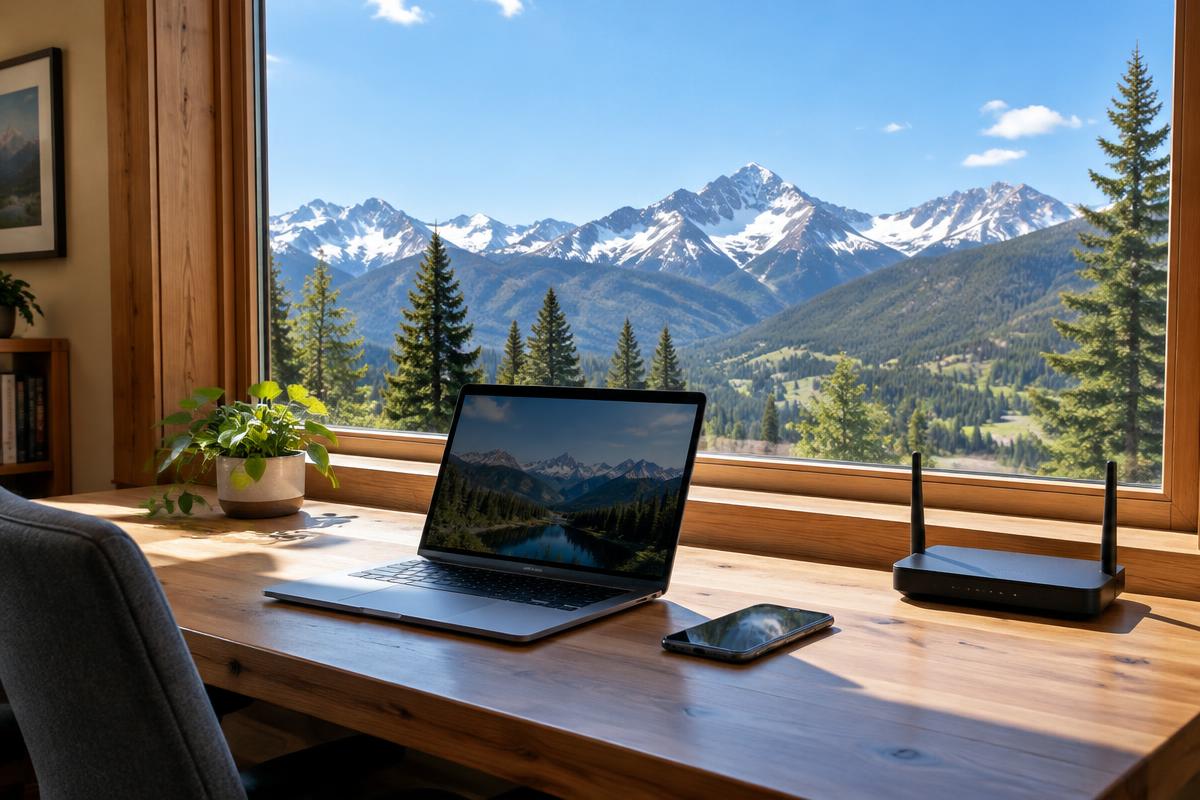
This guide was researched in November 2026. Availability and plans change, so confirm the exact address with the provider before relying on internet for a purchase or a move. The cover is an illustration, not a photograph of a local listing or evidence of service at that home.
Buena Vista: check existing fiber and other address-specific options
Visionary Broadband has a dedicated Buena Vista fiber page with an availability check. Start there if fiber is important to you, but distinguish an installable address from a planned expansion or a sign-up list.
An April 2025 Ark Valley Voice report described a Visionary project planned to connect 1,305 homes north and west of Buena Vista and south toward Nathrop. That announcement is background, not confirmation that construction is finished at a particular home. Ask for the current service status, installation date and any extra construction costs in writing.
Internet directories also identify cable, copper, fixed wireless, cellular home internet and satellite options around Buena Vista. Use those directories to identify possible providers, then verify directly. A town-wide availability percentage or an advertised maximum speed cannot tell you what a rural parcel will receive.
Visionary Broadband — Buena Vista fiber
Check the exact address for current service, plan options and installation timing.
Salida, Nathrop, Leadville and Twin Lakes: do not assume coverage carries over
For an in-town Salida home, use the FCC National Broadband Map to see the providers reporting service at that building. Then check each provider's own ordering process. Town limits are not a network boundary, and two streets can have different wired options.
For Nathrop and rural Chaffee County properties, ask whether the connection is wired, fixed wireless, cellular or satellite. Fixed wireless may require a site survey and a clear path to the provider's equipment. A new home or vacant parcel may need a trench, easement or construction work even when service is nearby.
Repeat the address check for Leadville and Twin Lakes rather than using Buena Vista's provider list. Mountain slopes, trees and building location can affect wireless reception. We are not labeling any neighborhood as fully covered or uncovered without current property-level confirmation.
Understand what kind of internet you are being offered
Fiber, cable and DSL/copper bring service over a physical line. Ask for both download and upload speeds for the actual plan; fast downloads alone do not establish that large work files, cloud backups or multiple video calls will perform well.
Fixed wireless uses equipment at the home to reach a terrestrial network. Cellular home internet uses a mobile network and has its own address eligibility, capacity and plan conditions. Good reception on a phone does not automatically qualify a home for a carrier's home-internet product.
Satellite may be an option where a wired connection is unavailable. If considering Starlink or another satellite service, verify current address eligibility, equipment costs, mounting requirements and obstructions. Different satellite systems can have very different latency and usage policies. Do not assume every satellite plan is interchangeable.
Cell reception: test calls, texts and data inside the home
There is no single best carrier for every Arkansas Valley property. Compare your carrier's current map and the FCC's mobile layers, then test at the actual home with Wi-Fi turned off. FCC mobile coverage maps do not establish indoor reception.
With permission during a showing, try an ordinary phone call, text and data connection from the office, living room and outdoor areas you will use. Repeat with another carrier if reliable mobile service is essential. Metal roofs, thick walls and the side of a hill can make an indoor result different from the driveway.
Ask about Wi-Fi calling and its compatibility with your phone and carrier, but remember that it relies on working internet and power. Keep emergency-address information current where your carrier requires it. Do not place a test call to 911; arrange any questions about emergency calling with the carrier or local agency through a non-emergency contact.
Remote work: check uploads, latency and your employer's requirements
Before buying, ask your employer about required speeds, VPN compatibility, video meetings and any security restrictions on satellite, hotspots or shared connections. Describe how many people will work or study at once rather than asking only whether a plan is fast.
If the seller permits testing, compare a wired connection with Wi-Fi near the intended office. Record download speed, upload speed and latency, and test a real work call or approved VPN where possible. A single speed test is a snapshot, not a reliability guarantee; ask about busy-hour performance and recent outages.
Weak Wi-Fi inside a house is not always a problem with the outside internet service. Router placement, wiring and mesh access points can affect indoor performance. Ask an installer to separate an in-home networking issue from a limitation of the connection itself.
Installation, monthly costs and a backup plan
Request a written estimate showing monthly service, equipment rental or purchase, installation, construction charges, taxes, promotional end dates, data limits and cancellation terms. Confirm who owns existing equipment and whether the seller's account or hardware can transfer.
If you cannot lose a workday, consider a backup connection that does not depend on the same failure point. A hotspot is useful only if there is usable cellular reception and enough data. Two plans may still share infrastructure, so ask providers how independent they really are.
A battery backup can keep compatible networking equipment running briefly, but it cannot guarantee the provider's network stays online. Include power for any modem, router, wireless receiver or satellite equipment you depend on, and discuss safe backup-power options with a qualified professional.
Your before-you-buy connectivity checklist
Confirm the correct address or building point on the FCC map. Save the provider names and technologies reported there, then get direct confirmation that service can actually be installed at the home.
Ask for the plan's upload and download speeds, installation timing, full costs and any site-survey or construction requirements. If the home is not yet built, ask how a new service location will be added and whether access or easements are needed.
Test your own phone indoors with Wi-Fi off. Where permitted, test the existing internet in your intended office and check employer requirements. Ask the seller about outages and equipment, then plan for any backup connection or power needs.
If connectivity is essential, discuss verification and the relevant due-diligence deadlines with Daylene and Cody before making an offer. We can help coordinate questions with the seller and providers, but only the provider can confirm an order and service terms for the address.
Local links & further reading
- Visionary Broadband — Buena Vista fiber and address availability
- Ark Valley Voice — announced Buena Vista-area fiber expansion, April 2025
- FCC — how to use the National Broadband Map
- FCC — National Broadband Map and availability data
- FCC — mobile coverage maps and indoor-coverage limitations
- BroadbandNow — Buena Vista provider directory; verify directly before ordering
Thinking about a move to Buena Vista?
More guides
- Local Home-Service Contacts in Buena Vista & the Arkansas Valley
- Local Home & Land Lenders in Buena Vista & the Arkansas Valley
- A Local's Guide to the Buena Vista Whitewater Park & River Parks
- Hot Springs Near Buena Vista, Colorado
- Hikes Near Buena Vista, Colorado: Local Trails & Collegiate Peaks 14ers
- Fishing Near Buena Vista: The Arkansas River, Cottonwood Lake & Twin Lakes
- Camping Near Buena Vista: Campgrounds, Fourmile & Dispersed Camping
- Winter Activities Near Buena Vista: Monarch Mountain, Ski Cooper & Snowshoeing
- Buena Vista & Salida Annual Events: A Seasonal Planning Guide
- Moving to Buena Vista, Colorado: What to Know
- Twin Lakes, Colorado Land & Building Costs: A Buyer's Guide
- Selling Your Colorado Mountain Home: A Seller's Guide
- Buying Land in Chaffee County, Colorado: Loans, Earnest Money and What You'll Need
- Your Step-by-Step Guide to Buying a Home in Buena Vista, Colorado
- Mortgages 101: A Financing Guide for Buena Vista Buyers
- Building with Modulars in the Colorado Mountains: Zook Cabins and SmartPads
- Where to Eat in Buena Vista: A Local's Guide to Restaurants, Coffee and Brews
- Wells, Water Rights and Septic in Chaffee County: A Buyer's Guide
- Short-Term Rentals in Buena Vista, Salida and Chaffee County: Rules, Taxes and Income
- Winter Access, Snow and Wildfire: Owning a Home Near Buena Vista
- Living in Salida, Colorado: A Local's Guide to the Town
- Living in Leadville, Colorado: A Local's Guide to the Town
- Living in Twin Lakes, Colorado: A Local's Guide to the Village
- Cost of Living in Buena Vista, Salida & Chaffee County, Colorado
- Buena Vista Neighborhoods: Downtown, South Main, Game Trail & Mesa Antero
- Land Surveyors in Chaffee, Lake & Park County, Colorado
- Property Taxes in Chaffee & Lake County: A Guide for Buena Vista, Salida and Leadville Buyers
- Schools & Healthcare in Buena Vista and the Arkansas Valley: What Buyers Should Know